
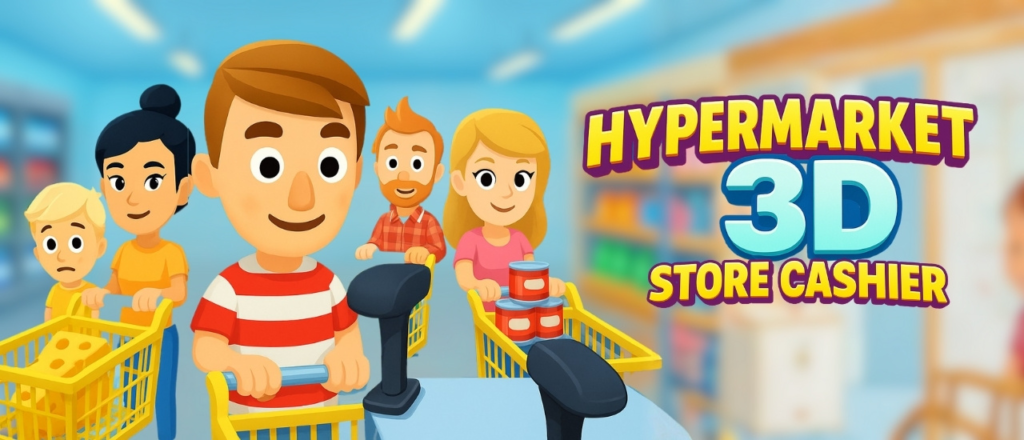
Step into the world of retail and build the supermarket of your dreams! Manage customers, run the cash register, stock shelves, and keep your store thriving. From scanning groceries to cart-surfing adventures, every task brings your bustling market to life. Take charge as the supermarket cashier, master time management, and turn your small store into a thriving grocery empire.
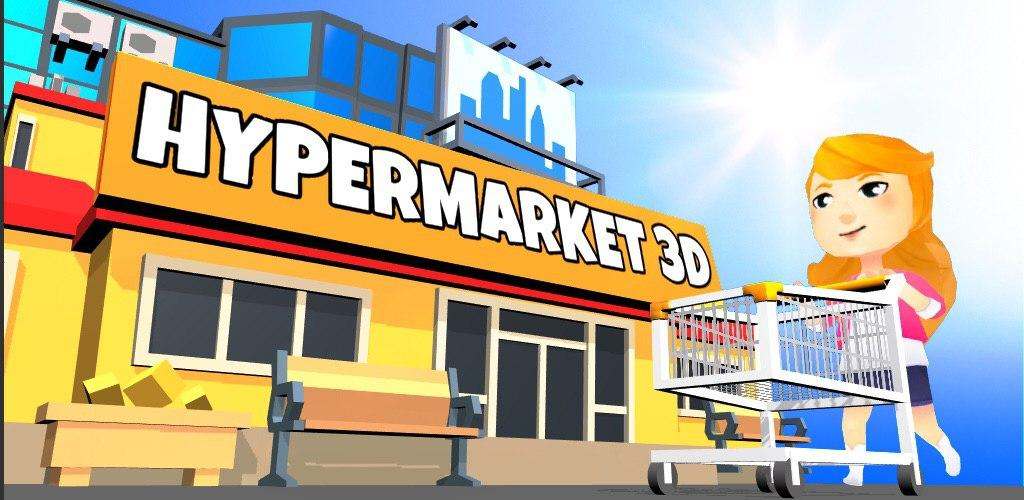
Welcome to Hypermarket 3D: Store Cashier, an immersive 3D simulation game developed by Sunday GmbH that puts you in charge of your very own supermarket. From scanning items at lightning speed to cleaning spills, restocking shelves, and serving impatient customers, every task brings your retail empire to life. With its charming visuals, intuitive tap-and-hold controls, and progressive store upgrades, Hypermarket 3D offers the perfect blend of time-management challenge and creative freedom.
This comprehensive guide covers everything you need to know about Hypermarket 3D: Store Cashier—its core mechanics, cashier duties, store management, upgrade system, strategies for efficiency, and why this game has become a favorite among simulation and tycoon game fans.
What Is Hypermarket 3D: Store Cashier? An Overview
Hypermarket 3D: Store Cashier is a 3D time-management simulation game where you run a supermarket. You take on the role of a cashier and store manager, responsible for scanning products, processing payments, cleaning floors, restocking shelves, and helping customers. As you earn money, you can unlock new items, upgrade your store, and expand your grocery empire.
Core features at a glance:
| Feature | Description |
|---|---|
| Genre | Time-management simulation |
| Theme | Supermarket / Retail |
| Core activities | Scanning, cleaning, restocking, helping customers |
| Controls | Tap & hold, drag |
| Progression | Unlock new items, expand store |
| Platform | Browser-based, mobile compatible |
Why this game stands out:
| Differentiator | Benefit |
|---|---|
| 3D environment | Immersive supermarket setting |
| Multiple tasks | Cashier, cleaner, stocker—all in one |
| Time pressure | Manage impatient customers |
| Progression system | Unlock new products and upgrades |
| Cart-surfing adventures | Fun, whimsical elements |
| Free to play | No cost to build your empire |
Who is this game for?
- Simulation game fans
- Time-management enthusiasts
- Players who enjoy tycoon/business games
- Anyone who has ever dreamed of running a store
- Casual gamers seeking engaging gameplay
Core Gameplay Mechanics
The Cashier Role
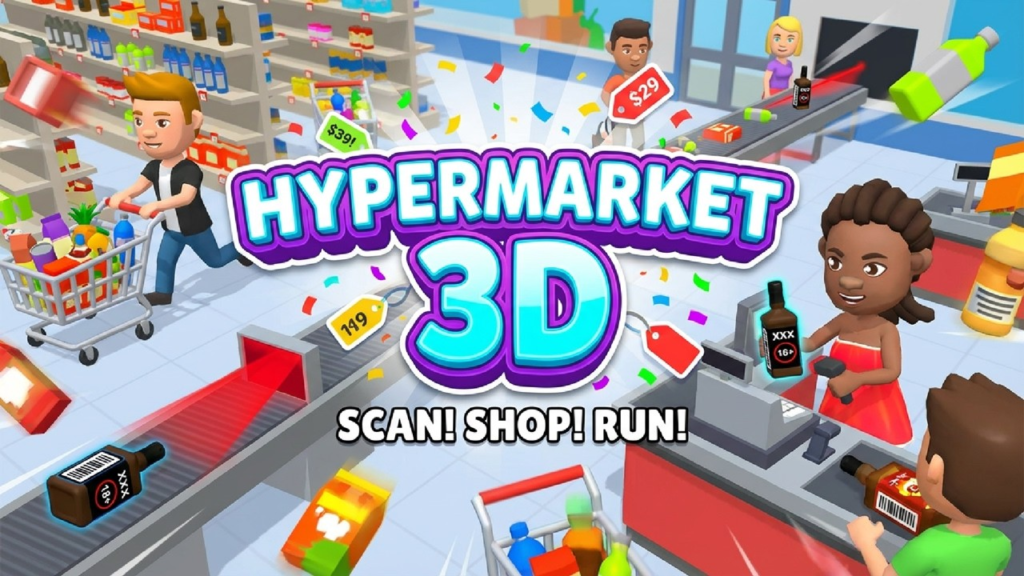
The heart of the game is working the cash register. Customers line up with their groceries, and you must scan each item quickly and accurately. The faster you scan, the happier the customers, and the more money you earn.
| Action | Control |
|---|---|
| Scan products | Tap & hold on each item |
| Process payment | Tap the total button |
| Bag items | Tap to bag after scanning |
Cleaning and Maintenance
A clean store is a successful store. You must drag to clean floors, wipe spills, and keep the supermarket presentable. Customers will leave if the store is dirty, and you will lose potential sales.
| Task | Control |
|---|---|
| Clean floors | Drag mop over dirty areas |
| Wipe spills | Tap on spills |
Stocking Shelves
Products sell out. You must restock shelves by moving to the stock room, grabbing items, and placing them on empty shelves. Running out of popular items will frustrate customers.
| Task | Control |
|---|---|
| Grab restock items | Tap on stock room |
| Place on shelves | Drag to empty shelf spots |
Helping Customers
Customers may have specific needs beyond checkout. Some may ask for help finding an item, others may need directions. You must move around the store to assist them.
| Task | Control |
|---|---|
| Move character | Tap where you want to go |
| Assist customers | Tap on customer with question mark |
Cart-Surfing Adventures
For a touch of whimsy, the game includes “cart-surfing” moments—fun, fast-paced segments where you ride a shopping cart through the store. These add variety to the core gameplay loop.
Time Management and Customer Satisfaction
Customer Patience Meter
Every customer has a patience meter. The longer they wait, the more impatient they become. If the meter empties, they leave without buying anything, and you lose potential revenue.
| Customer State | Effect |
|---|---|
| Patient | Happy, may leave tips |
| Moderate | Standard transaction |
| Impatient | Rush, may abandon purchase |
| Leaving | Lost sale |
Prioritization Strategies
| Priority | Task | Why |
|---|---|---|
| Highest | Checkout line | Most customers wait here |
| High | Spills/cleaning | Dirty store drives customers away |
| Medium | Restocking | Empty shelves reduce sales |
| Low | Customer assistance | Fewer customers need help |
Store Upgrades and Progression
New Items to Unlock
| Item Category | Examples |
|---|---|
| Groceries | Produce, dairy, bakery, meat |
| Household | Cleaning supplies, paper goods |
| Electronics | Small appliances, batteries |
| Snacks & Beverages | Chips, soda, candy |
Store Expansions
| Expansion | Benefit |
|---|---|
| More checkout lanes | Serve more customers simultaneously |
| Larger stock room | Hold more restock items |
| New sections | Add bakery, deli, electronics |
| Self-checkout | Automated customer processing |
Visual Upgrades
| Upgrade | Effect |
|---|---|
| Flooring | Aesthetic improvement |
| Lighting | Brighter, more appealing store |
| Signage | Better customer navigation |
Strategies for Success
Beginner Strategies
| Strategy | Why It Helps |
|---|---|
| Focus on checkout first | Longest queue |
| Scan items quickly | Develop speed |
| Clean spills immediately | Prevents customer loss |
| Restock popular items | High-demand products |
Intermediate Strategies
| Strategy | Why It Helps |
|---|---|
| Learn product locations | Faster scanning |
| Prioritize impatient customers | Serve before they leave |
| Batch restocking | Grab multiple items at once |
| Upgrade checkout speed | Faster transactions |
Advanced Strategies
| Strategy | Why It Helps |
|---|---|
| Anticipate busy periods | Prepare for rushes |
| Optimize store layout | Minimize movement |
| Hire staff (if available) | Delegate tasks |
| Use power-ups strategically | For challenging levels |
Expert Strategies
| Strategy | Why It Helps |
|---|---|
| Perfect checkout streaks | Maximum efficiency |
| Zero customer loss | Every sale counts |
| Maximum store rating | Highest revenue |
| Speed runs | Complete shifts quickly |
Why Play Hypermarket 3D?
For Simulation Fans
Running a supermarket offers endless management challenges.
For Time-Management Lovers
Balancing multiple tasks (checkout, cleaning, restocking) is engaging.
For Casual Gamers
Simple tap-and-hold controls, relaxing pace.
For Mobile Gamers
Perfect for touch controls, play anywhere.
For Free, No-Download Play
Runs in browser. No installation, no account.
Visual and Audio Design
| Element | Description |
|---|---|
| Graphics | 3D, colorful, cartoony |
| Environment | Supermarket aisles, checkout lanes |
| Characters | Customers with varied appearances |
| Sound | Scanner beeps, ambient store noise, music |
Hypermarket 3D vs. Other Management Games
| Game | Similarity | Difference |
|---|---|---|
| Supermarket Simulator | Store management | Hypermarket has 3D cartoony style |
| Cashier Simulator | Checkout focus | Hypermarket includes cleaning, stocking |
| Shop Titans | Retail tycoon | Hypermarket is real-time, not turn-based |
Hypermarket 3D’s combination of cashier, cleaner, and stocker roles is unique.
Frequently Asked Questions (FAQs)
1. Is Hypermarket 3D really free to play?
Yes, the game is completely free. You can play without spending any money. The embedded version may include occasional ads.
2. Do I need to download anything to play?
No download or installation is required. Hypermarket 3D is an HTML5 browser game that runs directly in your web browser. Just click and play.
3. Can I play on my phone or tablet?
Yes. The game is fully compatible with iOS and Android mobile devices. Use tap-and-hold controls.
4. How do I scan products?
Tap and hold on each product at the checkout counter. The scanner will beep, and the item will move down the belt.
5. How do I clean floors?
Drag the mop over dirty areas on the floor. Spills and dirt will disappear.
6. How do I restock shelves?
Move to the stock room (tap the door), grab items, then drag them to empty spots on shelves.
7. What happens if customers get too impatient?
They leave the store without buying anything. You lose potential revenue.
8. How do I unlock new items?
Earn money from sales. As your store grows, new product categories become available.
9. Can I upgrade my store?
Yes. Use earned money to add more checkout lanes, expand the store, and improve aesthetics.
10. What are “cart-surfing adventures”?
Fun, fast-paced mini-games where you ride a shopping cart through the store. They add variety to gameplay.
11. How many levels are in Hypermarket 3D?
The game features progressive store growth rather than traditional levels. You continue expanding indefinitely.
12. Is there a time limit per shift?
Some modes may have shift timers. The core gameplay is continuous.
13. Can I hire employees?
Check the game’s upgrade options. Some versions allow hiring staff to help with tasks.
14. Does the game have sound effects?
Yes. Scanner beeps, customer sounds, store ambience. Sound can be muted.
15. Is the game suitable for children?
Yes. No inappropriate content. Teaches time management and customer service.
16. How long does it take to build a thriving empire?
Playtime varies:
- Quick session: 5-15 minutes
- Progression: Hours to fully upgrade
17. Can I replay the game?
Yes, start over with a new store.
18. What is the most profitable product?
Higher-value items (electronics, specialty foods) have better margins. Upgrade to unlock them.
19. Why are customers complaining?
Possible reasons:
- Long checkout wait
- Dirty store
- Empty shelves
- No available cashier
20. What makes Hypermarket 3D addictive?
The satisfying scan-and-sell loop, multiple tasks to juggle, and visible store growth create a compelling “one more shift” experience.
The Retail Simulation Genre
| Year | Game | Significance |
|---|---|---|
| 2000 | Pizza Tycoon | Early restaurant sim |
| 2010 | Supermarket Mania | Popularized retail management |
| 2025 | Hypermarket 3D | Modern 3D entry |
Hypermarket 3D brings the genre into the 3D era.
Conclusion: Build Your Grocery Empire
Hypermarket 3D: Store Cashier offers a satisfying blend of time-management challenge and creative store building. From scanning groceries to cleaning spills, restocking shelves, and helping customers, every task contributes to your supermarket’s success. The intuitive tap-and-hold controls make it accessible to casual players, while the progression system and upgrade options provide depth for dedicated gamers.
Whether you are a simulation veteran or a casual player looking for a fun way to pass the time, Hypermarket 3D delivers a engaging retail experience.
Key takeaways:
| Aspect | Summary |
|---|---|
| Genre | Time-management simulation |
| Core activities | Scanning, cleaning, restocking |
| Progression | Unlock items, expand store |
| Controls | Tap & hold, drag |
| Platform | Browser, mobile |
| Cost | Free |
| Playtime | Hours (progressive) |
| Verdict | Highly recommended for simulation fans |